LED Screen Installation & System Integration: Complete Technical Guide 2026
From structural assessment to commissioning, a complete guide to LED screen installation in 2026. Mounting, cabling, signal distribution, calibration, commissioning and maintenance planning.
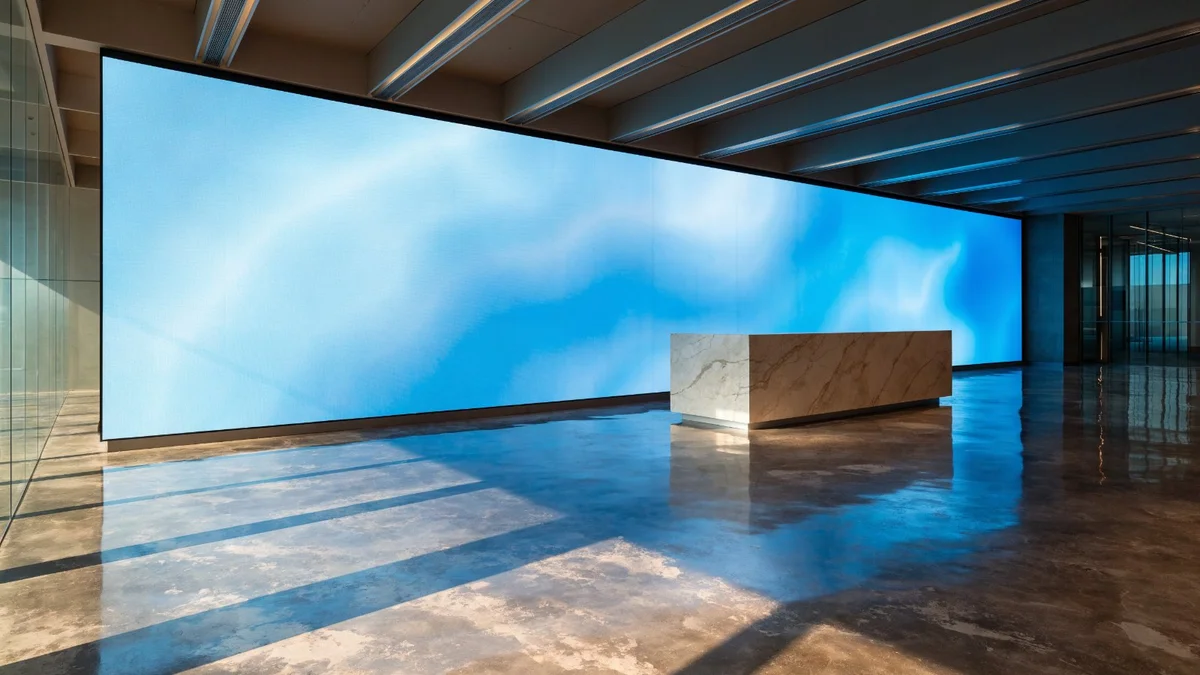
An LED screen is only as good as its installation. The most technically advanced panel, poorly installed on an inadequate structure with undersized cabling and no calibration, will underperform and fail prematurely. Conversely, a well-engineered installation extends operational life, minimises maintenance costs, and delivers consistent image quality for a decade or more.
This guide walks through the complete installation process — from initial site survey to final commissioning handover — as applied by Pixelight's integration teams across projects in France and the Mediterranean region since 2006.
Phase 1: Site Survey and Pre-Installation Assessment
No LED screen installation begins without a thorough site survey. The survey covers four domains:
Structural Assessment
The survey establishes the load-bearing capacity and condition of the mounting surface or structure. For wall-mounted screens, this means:
- Identifying the wall construction (concrete, masonry block, brick, steel frame, timber frame, plasterboard)
- Locating existing structural elements (columns, beams, lintels) that can accept anchor loads
- Specifying fixings appropriate to the substrate — chemical anchor bolts for masonry, mechanical fixings for steel, through-bolted plates for hollow structures
| Screen Area | Typical Total Load | Minimum Wall Thickness (Masonry) | Bureau de Contrôle Required? |
|---|---|---|---|
| Up to 2 m² | 40–80 kg | 100 mm | No (residential) / Yes (ERP) |
| 2–4 m² | 80–160 kg | 150 mm | Yes (ERP) |
| 4–10 m² | 160–400 kg | 200 mm | Yes |
| 10–25 m² | 400–1,000 kg | Steel structure recommended | Yes — structural engineer |
| 25 m²+ | 1,000 kg+ | Dedicated steel frame | Yes — full structural design |
Electrical Assessment
Power supply is a frequent bottleneck. The survey establishes:
- Available supply voltage and phase configuration at the location
- Distance from the nearest distribution board to the screen position
- Cable routing (surface trunking, conduit, buried under screed)
- Whether a dedicated circuit breaker and RCD are needed
LED screens have high peak start-up currents. The electrical circuit must be sized for 130–150% of the nominal operating power to accommodate start-up surge. A 10 m² P2.5 indoor screen drawing 900 W nominal requires a 16A dedicated circuit with a Type D circuit breaker to handle inrush current.
Signal Survey
The signal path from source (PC, media player, video matrix) to screen must be planned in detail:
- Signal type and resolution at the source (HDMI 2.0, DisplayPort 1.4, SDI)
- Cable run distance: HDMI without extenders is limited to 10–15 m; fibre extenders can reach 100–500 m
- Number of signal sources and whether a video wall processor or matrix switcher is needed
- Network infrastructure for CMS, remote monitoring, and future content updates
Environmental Assessment
Temperature, humidity, and light conditions at the installation location determine the screen specification and any supplementary engineering required:
- Ambient temperature range (particularly relevant for outdoor and semi-outdoor positions)
- Potential for condensation (temperature cycling locations, proximity to water)
- Ambient light levels (determines whether anti-glare glass or high-brightness screen is needed)
- Acoustic environment (fan noise may be a concern in quiet meeting rooms or galleries)
Phase 2: Mounting System Selection and Installation
LED screens are installed on one of five primary mounting configurations:
Direct Wall Mount
The most common configuration for permanent indoor installations. A steel sub-frame is fixed to the wall structure with chemical anchors, providing a level, true plane onto which the LED cabinets are hung. The sub-frame must be laser-levelled to ±1 mm across the full span — any deviation is magnified visually across the tiled screen surface.
Hanging Truss System
For temporary installations and events, LED panels are hung from a truss structure (box truss or spigot truss) using clamps and safety chains. Truss systems allow rapid assembly and reconfiguration. Load calculations must account for the dynamic loading of a hung structure, particularly for trusses spanning more than 6 m.
Ground Support Structure (GSS)
Freestanding ground support systems carry the LED screen on a self-supporting structure without wall or ceiling fixing. Ground supports are widely used in events, retail environments without suitable walls, and locations where wall penetration is prohibited. They require a clear floor area for the support legs and must be ballasted or cross-braced against tipping.
Ceiling Suspension
LED screens suspended from structural ceiling elements — steel beams, concrete ceiling soffits — using wire rope, chain, or rigid tube. Structural capacity of the fixing points must be confirmed. All suspended loads in public spaces require a safety factor of 4× under EN 1991-1-1.
Integrated Architectural Mount
For high-end permanent installations, the LED screen is integrated into a purpose-built architectural recess or housing, designed in collaboration with the interior architect. The LED cabinets are hidden behind a reveal frame, with only the screen face visible — creating a flush, finished appearance.
Phase 3: Cabling and Power Distribution
Power Cabling
LED screens draw significant continuous power. Cable sizing must follow NF C 15-100 (or BS 7671 for UK installations):
| Screen Size | Nominal Power | Cable Cross-Section | Circuit Breaker |
|---|---|---|---|
| Up to 3 m² | 300–450 W | 1.5 mm² | 10A |
| 3–6 m² | 450–900 W | 2.5 mm² | 16A |
| 6–15 m² | 900–2,500 W | 4–6 mm² | 25–32A |
| 15–30 m² | 2,500–5,000 W | 6–10 mm² | 40A (3-phase) |
| 30 m²+ | 5,000 W+ | 10–16 mm² | 63A 3-phase |
Data and Signal Cabling
The data path within the LED system uses the LED manufacturer's proprietary Ethernet-based protocol between the receiving card (controller) and the LED modules. This cabling is typically pre-installed in the screen cabinets at the factory. External cabling runs:
- Video processor to receiving card: HDMI 2.0 (up to 15 m), or CAT6 + active extender for longer runs
- CMS/monitoring: Standard CAT6 to the building network switch
- Redundant signal input: Second HDMI or SDI input on the receiving card, connected to a backup source or automatic signal switcher
Phase 4: Commissioning and Calibration
Commissioning is the process of verifying that all hardware and software components function correctly together and are configured optimally. Pixelight's commissioning procedure comprises:
Electrical verification: Insulation resistance test (>1 MΩ at 500V DC), earth continuity (<0.1 Ω), RCD trip test, and measurement of actual supply voltage under load.
System power-on sequence: LED screens should be powered up progressively — controller first, then power supplies, then allowing the LED modules to initialise in sequence — to avoid simultaneous inrush current from all modules.
Video processor configuration: Input resolution, frame rate, and colour space are set to match the content source. For a standard HD installation: 1920×1080, 60fps, Rec.709. For 4K installations: 3840×2160, 60fps, Rec.2020 or Rec.709 depending on content workflow.
Photometric calibration: Using a Konica Minolta CA-410 or equivalent colorimeter, each LED module's brightness and colour coordinates are measured and adjusted via the LED controller software. Typical calibration corrects ±3% module-to-module brightness variation to within ±1% uniformity, and matches white point to D65 (6,500 K) or the client's preferred colour temperature.
Visual quality review: The client's content is played at representative brightness levels and inspected for banding, moiré, colour casts, and pixel anomalies. Any defective LEDs are identified, logged, and replaced before handover.
Phase 5: User Training and Maintenance Planning
Handover includes a structured training session covering:
- Content upload and scheduling via the CMS
- Brightness and colour preset management
- Basic fault diagnosis (identifying and reporting a failed module, power supply, or controller)
- Emergency shutdown procedure
Pixelight provides a site-specific operations manual in French and English as standard. The maintenance plan agreed at commissioning establishes the schedule for quarterly preventive visits, annual calibration, and the process for emergency call-outs.
FAQ
What structural load must a wall support to mount an LED screen?
Modern LED screen cabinets weigh between 18 and 40 kg/m² depending on module type and whether they include internal steel frame. A 10 m² indoor P2.5 LED wall typically imposes 200–350 kg total load on the mounting surface, plus a dynamic factor of 1.5× for vibration and seismic loads. Most masonry walls of 100 mm block or brick can support these loads with appropriate anchor fixings; however, plasterboard, dry-lining, and lightweight partition walls require bridging to the primary structure. A structural survey by a bureau de contrôle is mandatory for screens over 4 m² in ERPs.
What cable runs are needed for an LED video wall installation?
A typical LED video wall installation requires three types of cabling: power distribution (3-phase 400V or single-phase 230V, sized to peak power plus 30% safety margin), data signal cabling from the video processor to the first LED controller card (HDMI 2.0 or DisplayPort 1.4 for input; proprietary Ethernet protocol between controller and LED modules), and network cabling (CAT6 minimum) for CMS connectivity and remote monitoring. A dedicated earth bonding cable from the screen frame to building earth is required under NF C 15-100.
How long does a typical LED screen installation take?
A straightforward indoor wall-mounted LED screen of 6–10 m² takes 1–2 days for a two-person installation crew: half a day for structural mounting, half a day for panel assembly and cabling, and half a day for commissioning and calibration. Larger installations (20–50 m²) typically require 3–5 days. Complex projects involving bespoke structural steelwork, suspended ceiling integration, or multi-screen networked deployments in operational buildings are planned over 5–15 days depending on access restrictions.
What is involved in LED screen commissioning and calibration?
Commissioning begins with a full electrical safety check (insulation resistance, earth continuity, RCD operation). The video processor is then configured: resolution, colour space, refresh rate, and input mapping. LED module-level calibration uses a colorimeter to measure and equalise brightness uniformity across all panels — correcting the ±3% module-to-module variation normal in LED manufacturing. Gamma, white balance, and colour temperature are set to the client's brief. The full system is tested at representative brightness levels for a minimum of 2 hours before handover.
What maintenance schedule is recommended after LED screen installation?
The recommended programme has three tiers: monthly remote health monitoring (automated, via CMS diagnostics) for pixel failures, temperature anomalies, and fan performance; quarterly on-site preventive maintenance including surface cleaning, ventilation filter inspection, and firmware updates; and annual photometric recalibration using a colorimeter to correct brightness drift, which typically occurs at 3–5% per year in the first five years. Pixelight recommends adding a 10-year module availability guarantee to the purchase contract to ensure repair capability throughout the screen's operational life.
Contact Pixelight to discuss installation, integration and commissioning for your LED screen project